Need a hand?
Email us the animal you were playing, your device model, and what happened. A parent or carer can contact us on a child’s behalf.
hello@chewybytes.com · Please don’t send a child’s name, a PIN, a recovery code or private save files.
Playing Wildly
My animal is stuck. How do I move again?
Try turning the camera toward clear ground, then move in that direction. If you still cannot move, open Pause and choose I’m stuck. Wildly tries to return you to a clear position from your recent movement.
If there is no suitable position, the menu will explain that recovery could not complete. Contact us with the animal, habitat and what was nearby. A screenshot can help; check that it contains no private information.
How do I change my animal’s coat?
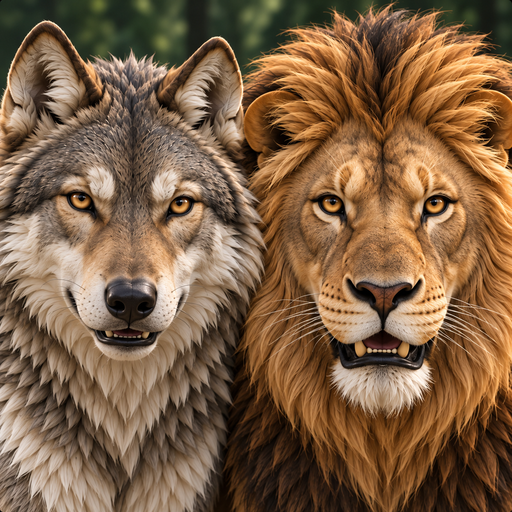
On Choose your animal, select Wolf or Lion, then open Choose your coat. Drag the animal to rotate the preview. Previewing a coat does not equip it; confirm the available coat you want to wear.
Some coats are earned through play. Check the requirement shown on the coat screen and your Journal for progress.
Why are some habitats unavailable?
The current game offers Woodland valley for Wolf and African savanna for Lion. Other destination cards are marked Not yet available. They cannot be unlocked through a purchase or by reaching a higher level.
Where can I change sound and touch feedback?
Open Settings from animal selection, or Sound & touch from Pause. You can adjust music, sound effects and touch feedback there. Haptic feedback depends on the device; many tablets do not have the same vibration hardware as phones.
Your adventure & saves
Where is my progress saved?
Wolf and Lion have their own progress saved on your device. Wildly does not provide an account or its own cloud-save service. Returning to an animal lets you continue its saved adventure.
Deleting the app or clearing its storage may remove your progress and parent settings. Don’t reinstall the game as a first troubleshooting step.
The game says it could not save. What should I do?
Keep the game open if possible. Check available device storage, free space if needed, and retry the action that failed. Don’t clear the app’s data.
If the message continues, tell us the exact wording and which action triggered it. We cannot remotely restore a local adventure that has been deleted.
Can I move my adventure to another device?
Wildly does not currently have in-game save transfer or account sync. Your device’s own backup or transfer system may include app data, depending on its settings. Wildly cannot guarantee that every backup restores a complete adventure.